Everything you need to run your screens. Nothing you don't.
Catch Vision does a short list of things well. Here they are, grouped by what you're trying to do.
Works on touch kiosks and display screens, hosted by us or on your own servers.
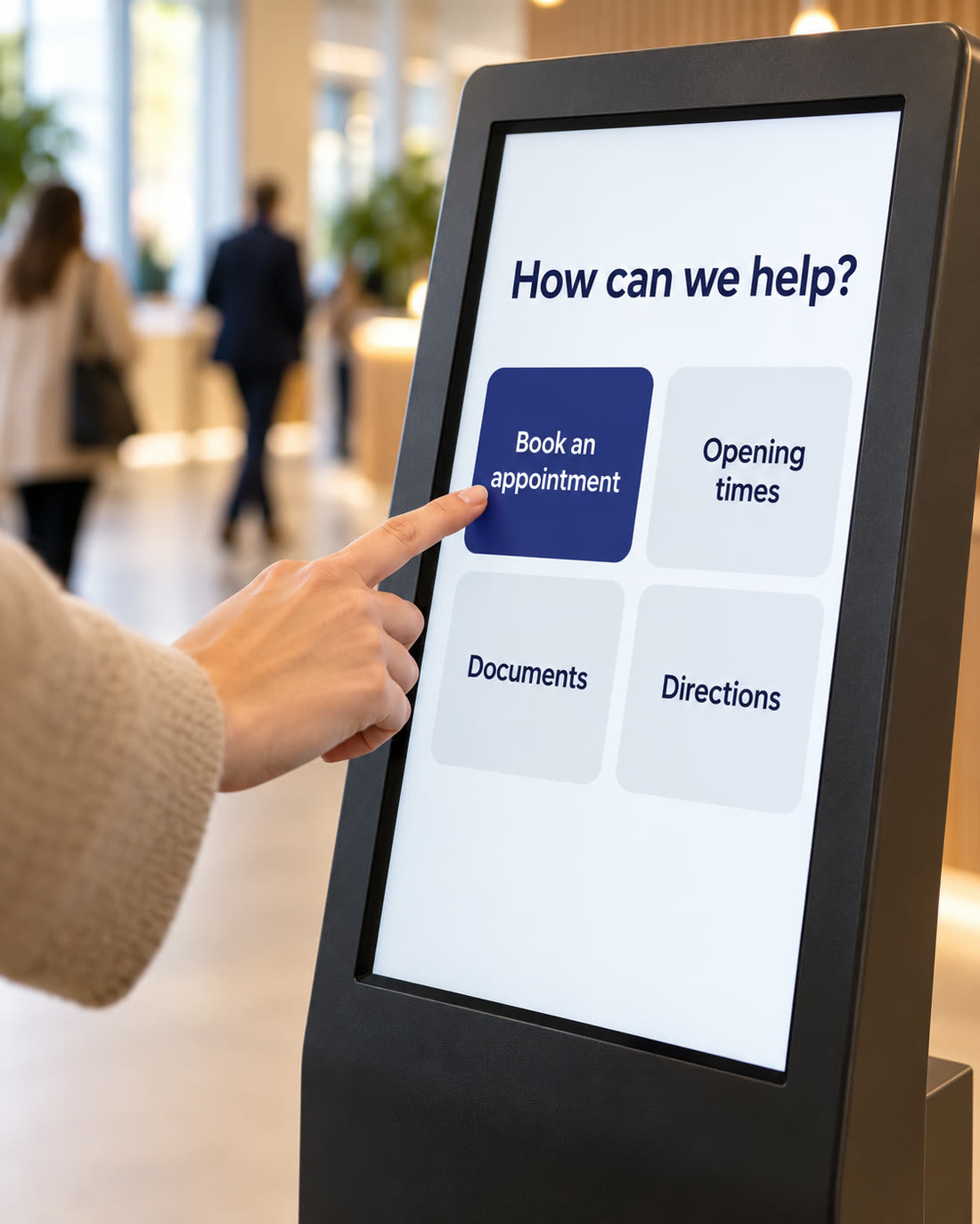
The right thing on every screen, at the right time
Build pages for touch kiosks and playlists for your digital signage, in the same place.
Touch kiosks
- Pages made of simple blocksHeadings, text, images, video, PDFs, menus of tiles, buttons and QR codes.
- Home and back on every pageVisitors never get stuck. The language switch sits on every page too.
- Back to the start when idleAfter a set time the kiosk returns to its home screen. It can play images or video while it waits.
- Locked downIt starts when the device turns on. Visitors can't close it or reach the device settings.
- Visitor arrivalWelcome visitors, show them where to go and how to reach their host, and link to the check-in system you already use with a QR code.
Display screens and digital signage
- Playlists and schedulesDecide what plays, in what order, and at what time of day.
- Split screensRun a video in one part of the screen and news or building data in another.
- Portrait or landscapeSet it up the way the screen is mounted.
- Start and end datesContent goes up and comes down on its own. No more out-of-date posters.
Content and languages
- Branded templates and a media libraryYour logo, colours and files, ready to use on any screen.
- Draft, preview, publishSee a page exactly as the screen will show it before it goes live.
- Version historyGo back to an earlier version in one click.
- Any language, including right-to-leftSomeone who reads Arabic sees Arabic, laid out right to left, the way they read. Translate side by side, page by page.
- A fallback languageIf a translation is missing, the screen shows its default language instead of a gap.
- The right content in the right placeSet content for your whole organisation, one site, a group of screens or a single screen. The most specific setting wins.
Know every screen is working
See which screens are on, what they're showing and what has played, without walking round the building. Find out a screen is down before someone tells you.
| Screen | Site | Status | Showing now | Content |
|---|---|---|---|---|
| Reception kiosk | Harbour Street | Online | Opening times, English | v14 |
| Waiting room | Harbour Street | Online | Morning playlist | v14 |
| Entrance kiosk | North Road | Syncing | Home, Arabic | v13 |
| Lobby screen | North Road | Offline since 09:14 | Visiting hours | v13 |
An example screens list, with sample sites and screens.
- Live statusOnline or offline, when each screen last checked in, and which version it's running.
- Live viewSee the page and language each screen is showing right now.
- Offline alertsAn email when a screen has been offline too long, and another when it's back.
- Proof of playA record of what played, on which screen, when and for how long. Export it as a spreadsheet.
- Kiosk usageSessions by day and hour, top pages and buttons, languages chosen and average visit length. All anonymous.
- On your phoneCheck the dashboard on a phone or tablet browser. Nothing to install.
When something needs to change right now
A fire drill, a closed entrance, a page that should never have gone up. Deal with it from your desk.
An example of a message to every screen.
- Messages to screensA banner or a full-screen message, marked as information, warning or emergency. Send it to every screen, one site, a group or a single screen.
- Now or laterSend it straight away or schedule it. Translate it for each language. Save the ones you use often.
- Screens that were offlineThey show the message when they reconnect, as long as it's still meant to be up.
- Emergency takedownPull a page, or switch a site or every screen to a safe default screen, in seconds.
- Roll backReturn to the previous version in one click.
- A full activity logWho uploaded, changed or published what, and when.
Live data from your building
Catch Vision connects to AURMAK's building and energy platform, so your screens can show what's happening in the building right now.
Works with AURMAK's building management and energy management systems (BMS and EMS).
Comfort
Temperature and air quality, room by room or for the whole building.
Occupancy
How busy the building is, so visitors and staff know what to expect.
Energy
How much energy the building is using today. Good for reception screens and staff areas.
Screens off when nobody's there
Add an AURMAK smart switch and screens turn off when the building is empty.
Building data needs a building or energy management system. If you already have one, we can usually connect it. If you don't, AURMAK can supply one at a separate cost.
Works with the screens you have
In most cases you don't need new screens. If you do, we can supply and install them.
- The Catch Vision appInstall it on the screen, or on a small player plugged into it. That's what connects the screen to your account.
- Six-digit pairingThe screen shows a code. Type it into Catch Vision and the screen is yours.
- Keeps working offlineScreens store their content and carry on if the network drops. They catch up when it's back.
- Remote controlSync, restart the app or cut off a screen from your desk.
- Signed content onlyA screen only accepts content that came from your account, over an encrypted connection.
- Need screens?We supply, set up, lock down and install touch kiosks and display screens. Ask for a quote.
What we chose not to do
Every feature you don't need is one more thing to learn. So we said no to a few.
- Links to queue, booking or appointment systemsCatch Vision shows your content and your building data. It doesn't run your queue.
- Visitor check-in and badgesKiosks guide visitors and can link to your own check-in system. They don't collect visitor details, scan passes or print badges.
- Search on kiosksKiosks use clear menus instead, so visitors find things in a tap or two.
- Printers, card readers and camerasScreens show information. They don't take payments or photos.
- A catalogue of app integrationsWe'd rather keep it easy to learn. If you need something specific, talk to us.