Up and running, with a hand when you need it.
Catch Vision is built so you can set it up yourself. We still help every customer through the start.
Where Catch Vision started
Catch Vision started in 2013. We put screens into waiting rooms, shops and offices, and set them up for people who didn't want to deal with the tech.
The idea hasn't changed. The software is new, built from scratch for organisations running screens across many sites.
How you get started
Four steps. We're with you for the first few screens.
Try it, or talk to us
Start a 14-day trial on up to three screens, or tell us what you need.
Connect your screens
Install the Catch Vision app and pair each screen with a six-digit code.
Build your first screens
We get on a call and help you set up your first pages and playlists.
Go live
Publish to your screens and keep an eye on them from anywhere.
What we do, and what we need from you
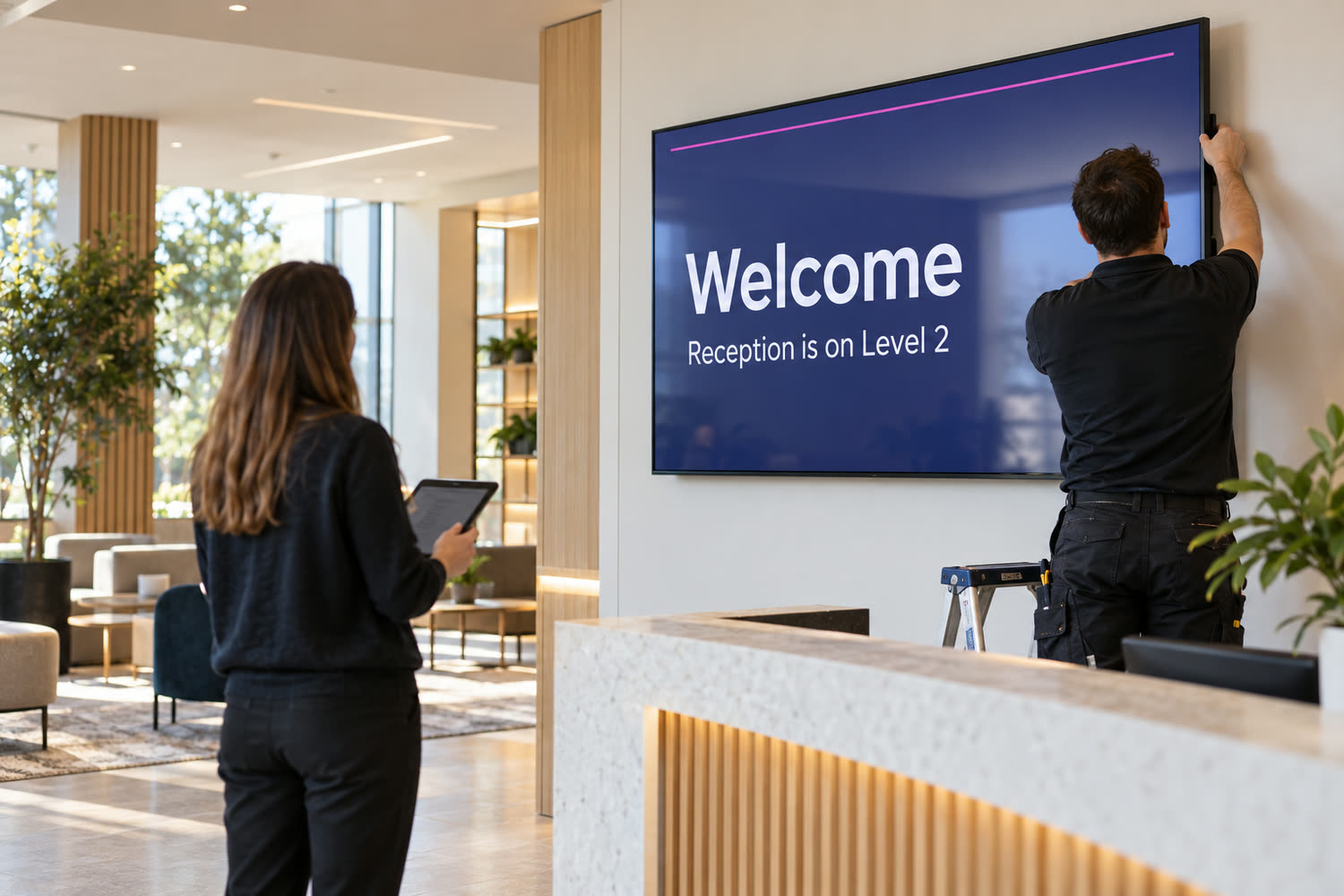
What we do
- Help you set up and show your team how it works
- Host Catch Vision in the region you need, or install it on your servers
- Supply, lock down and install screens, if you need them
- Keep it updated with fixes and security updates
- Support you for as long as you subscribe
What we need from you
- Details of your screens: model and size
- Your content, logo and brand colours
- Translations, checked by a native speaker
- One named contact on your side
- For your own servers: the server and network access
Running it on your own servers
Some organisations need everything in-house. Catch Vision runs on your own servers with exactly the same features.
You run the servers and their backups. We install Catch Vision, keep it up to date and support it.
$16 a screen per month, plus setup from $1,295. Minimum 10 screens.
Questions people ask us
Something not covered here? Ask us.
Is Catch Vision digital signage software?
Yes. It runs digital signage, the screens people watch in lobbies and waiting rooms, and touch kiosks, the screens people tap. Both are managed from one place, at the same price per screen.
Is building data included?
No. Building data needs a building or energy management system (BMS or EMS). If you already have one, we can usually connect it. If you don't, AURMAK can supply one, priced separately.
Do I need new screens?
Usually not. The Catch Vision app runs on most screens, or on a small player plugged into one. If you do need new screens, we can supply and install them.
Where is my data kept?
When we host it, in the region you need. If you'd rather keep it in-house, Catch Vision can run on your own servers.
What happens if the internet goes down?
Screens keep showing the content they have stored. They pick up any changes when the connection comes back.
Which languages can I use?
Any language, including right-to-left languages such as Arabic. Layouts mirror automatically. You provide the translations, and we recommend a native speaker checks them.
How does the free trial work?
You get 14 days on up to three screens, hosted by us. Ask for a trial and we'll help you set up your first screens.
What is Catch Vision Local?
A version for sites with no internet. You build screens on a PC and load them from a USB stick. It has no remote changes, alerts or messages, so every update means a visit to each screen.
Can visitors check in at a kiosk?
Kiosks can welcome visitors, show them where to go and link to the check-in system you already use with a QR code. Catch Vision itself doesn't collect visitor details, scan passes or print badges.
Can it connect to our queue or booking system?
No. Catch Vision shows your content and your building data. If you need something specific, talk to us.
What support do I get?
Support and updates are part of your subscription, whether we host it or you do. Catch Vision Local comes with 60 days of bug fixes.
Do you collect data about our visitors?
No personal data. Kiosk reports count visits, taps and languages chosen, and never identify anyone.
See it on your own screens
Try it free for 14 days on up to three screens. We'll help you get the first ones running.