Your screens, without the headache.
Catch Vision is digital signage and touch kiosk software for the people who get the call when a screen is wrong. Change any screen from your desk in minutes, and every upload is checked before it reaches a public screen.
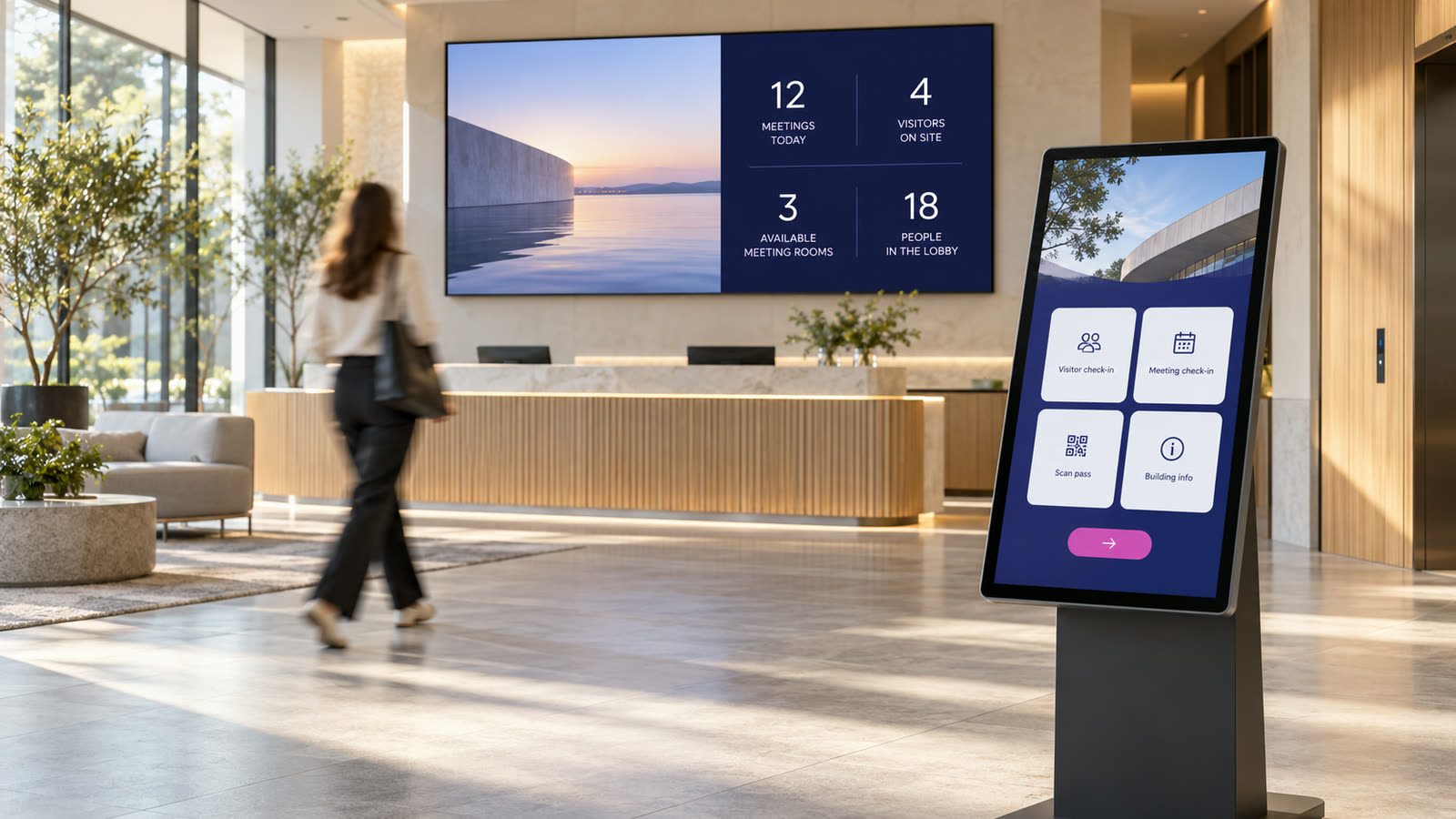
Screens are easy to buy. Running them is the hard part.
- The poster for last month's event is still up in reception.
- A screen went blank on Tuesday. Someone noticed on Friday.
- Changing one slide means a USB stick and a drive across town.
- The kiosk speaks one language. Half your visitors don't.
Without Catch Vision
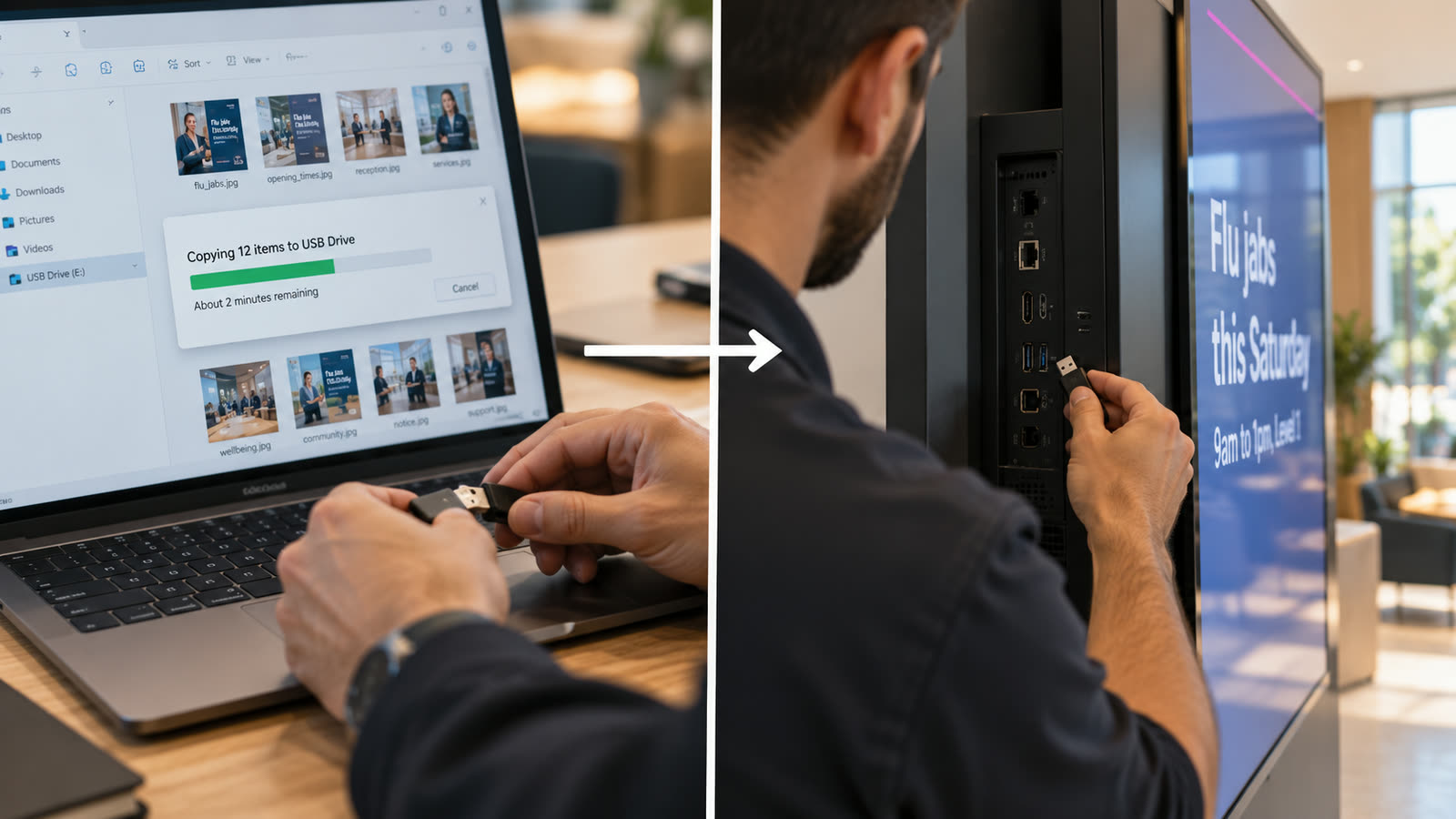
With Catch Vision
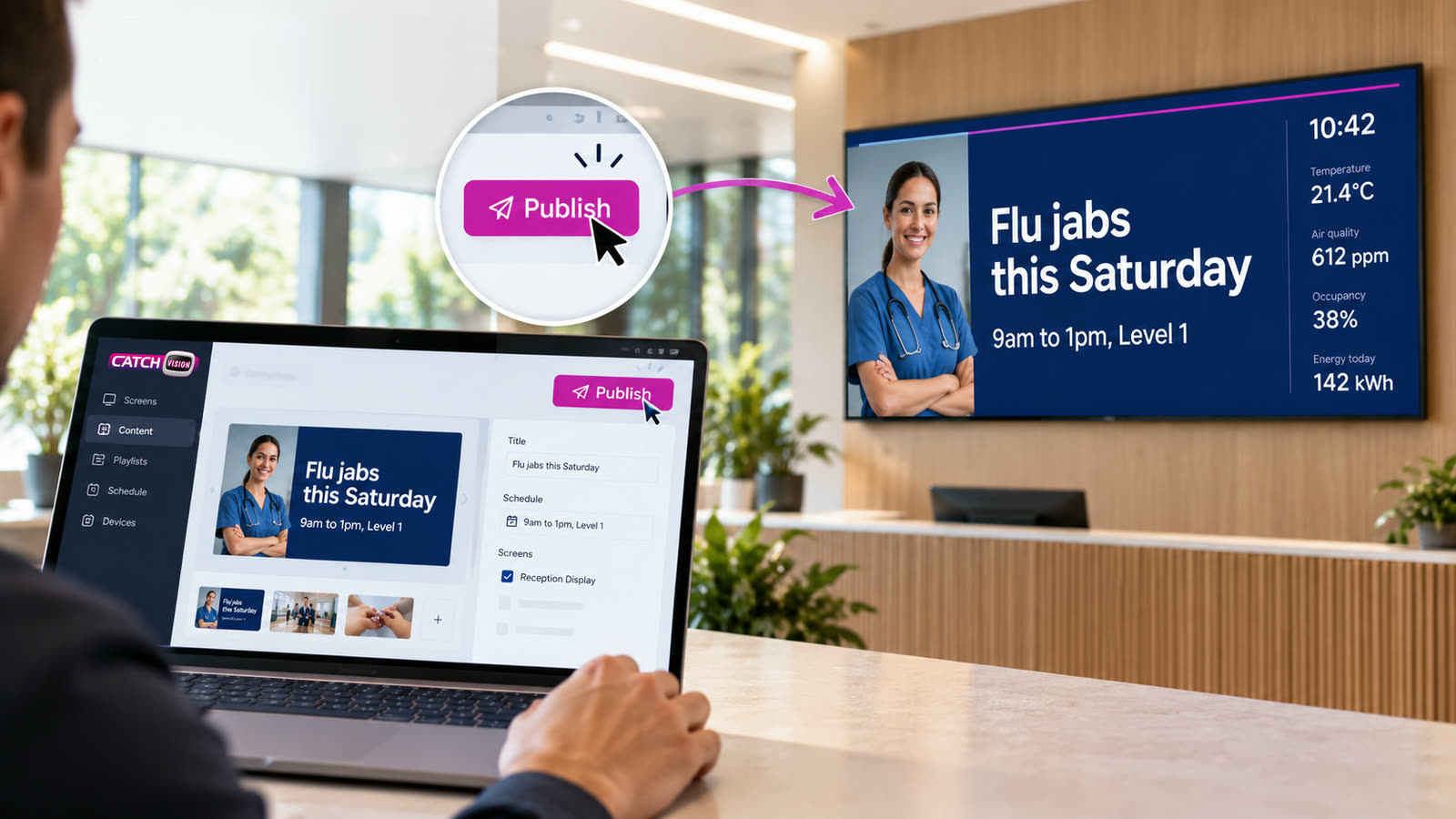
You shouldn't need a USB stick and a free afternoon to change a poster. With Catch Vision, you don't. We built what most people use every day and left the rest out.
Try it here
One change from your desk updates view-only screens and touch kiosks together.
View-only screen
Touch kiosk
How can we help?
From your desk to every screen, in four steps
Steps two and three run on our servers, or on yours if you'd rather keep everything in-house.
Add your content
Pages, videos, PDFs, menus and playlists. Start from a template or from scratch.
Every upload is checked
Files are scanned for malware and images are checked automatically. Anything flagged is blocked, and you see why.
Preview, then confirm
See exactly how it will look on the screen. Pick which screens get it. Confirm.
It goes to your screens
Screens pick it up and keep working if the network drops. Status and play reports come back to you.
Nothing goes on a public screen by accident
A wrong image on a public screen can be photographed and shared before anyone at your desk knows it's there. So every step from upload to screen has a check on it.
Bad files never get in
Files are scanned for malware and images are checked automatically before anyone can use them.
You see it before they do
Preview exactly how a page will look on the screen, then confirm.
Pull anything in seconds
Take a page off one screen or every screen, straight away.
Every change is logged
See who uploaded, changed or published what, and when.
Screens that know your building
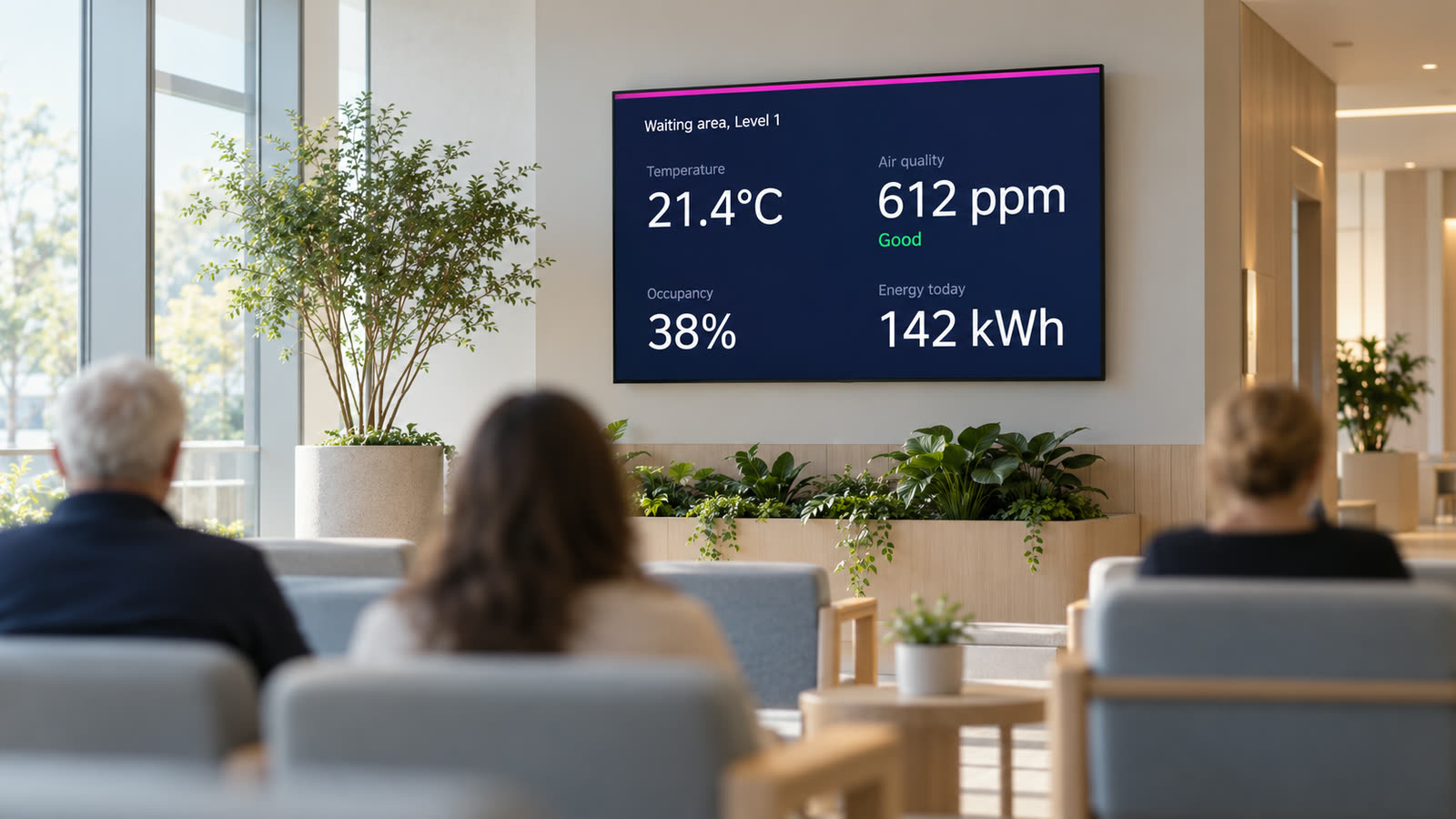
Show people the room is warm, the air is fresh and the waiting area isn't busy. Catch Vision puts live readings from AURMAK's building and energy platform on any display screen.
And when everyone has gone home, an AURMAK smart switch turns the screens off.
Needs a building or energy management system: yours, or AURMAK's at a separate cost.
$12 a screen. Everything included.
Touch kiosks and display screens cost the same. No tiers and no setup fee. Try it free on three screens for 14 days.